

Windows Utility
Your Downloads folder organizes itself.
Axion Downloads Organizer automatically watches your Downloads folder and sorts files into the correct locations the moment they arrive. No manual cleanup. No clutter. No wasted time.
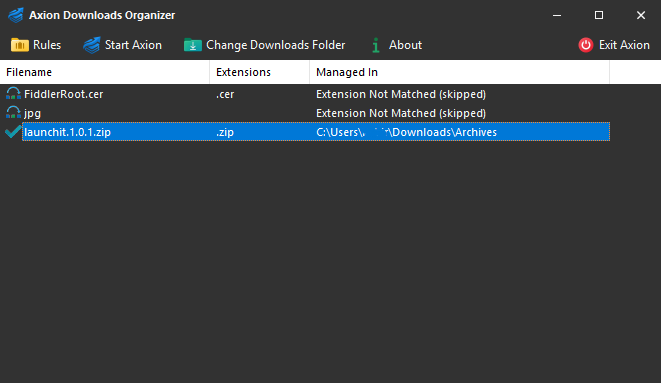
From Chaos to Order
Axion continuously monitors your Downloads folder and automatically organizes files before clutter has a chance to build up.
Before
setup.exe
book.pdf
wallpaper.jpg
music.mp3
logo.ico
project.zip
video.mp4
script.py
document.docx
presentation.pptx
After
Pictures\
Audio\
Videos\
Documents\
MS Office\
Applications\
Archives\
Codes\
How It Works
Download
Save files normally from your browser or any application.
Detection
Axion instantly detects completed downloads and renamed files.
Organization
Files are automatically moved to the correct destination folder.
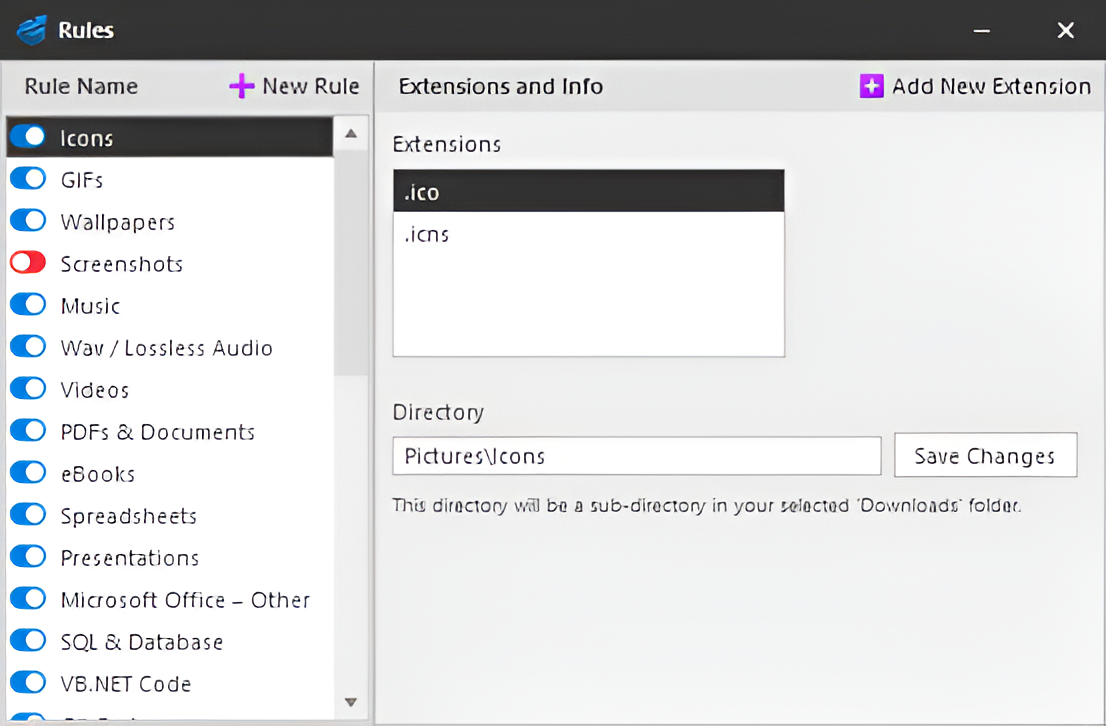
Customize categories, file extensions, and destination folders with powerful rules.
Features
Automatic Organization
Organizes downloaded files instantly.
Smart Image Detection
Automatically identifies icons, wallpapers and screenshots.
JSON Rules Engine
Fully customizable organization behavior.
Conflict Handling
Rename, overwrite or skip duplicate files.
System Tray Integration
Runs quietly without interrupting your workflow.
Privacy Focused
No cloud, no tracking, no telemetry.
100% Local.
Axion never uploads your files, collects personal information, or relies on cloud services. Everything happens locally on your PC.
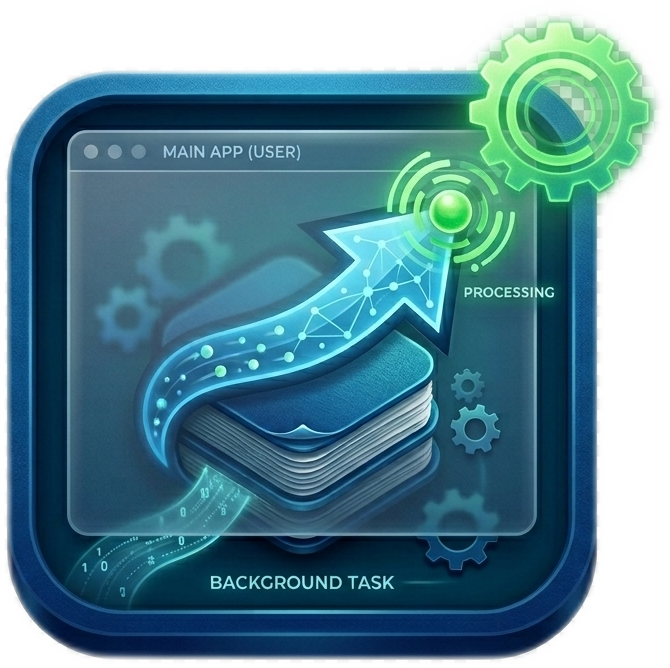
Runs silently in the background and starts automatically with Windows.
Ready for a Cleaner Downloads Folder?
Install Axion and let your Downloads folder organize itself.
Download Axion